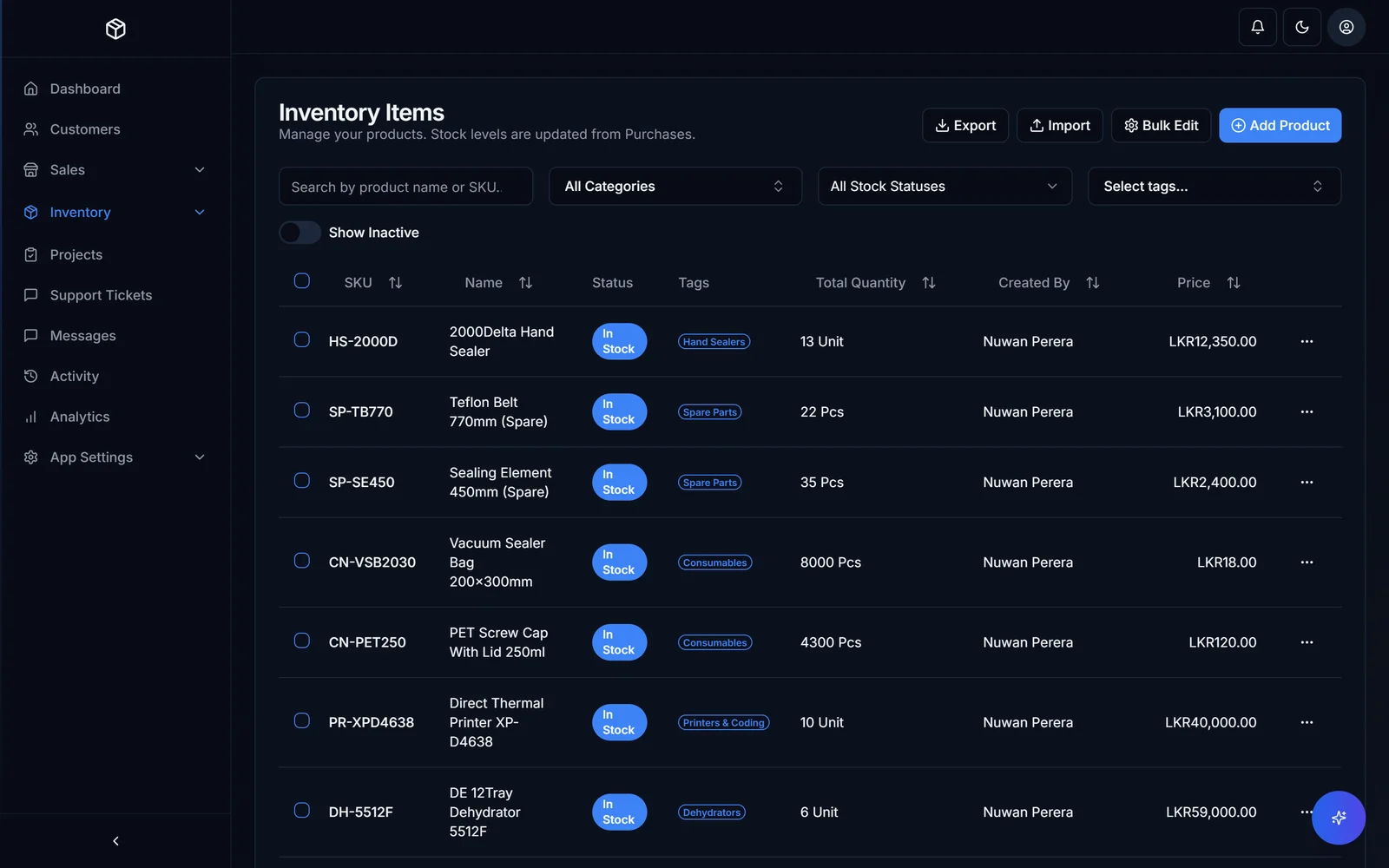
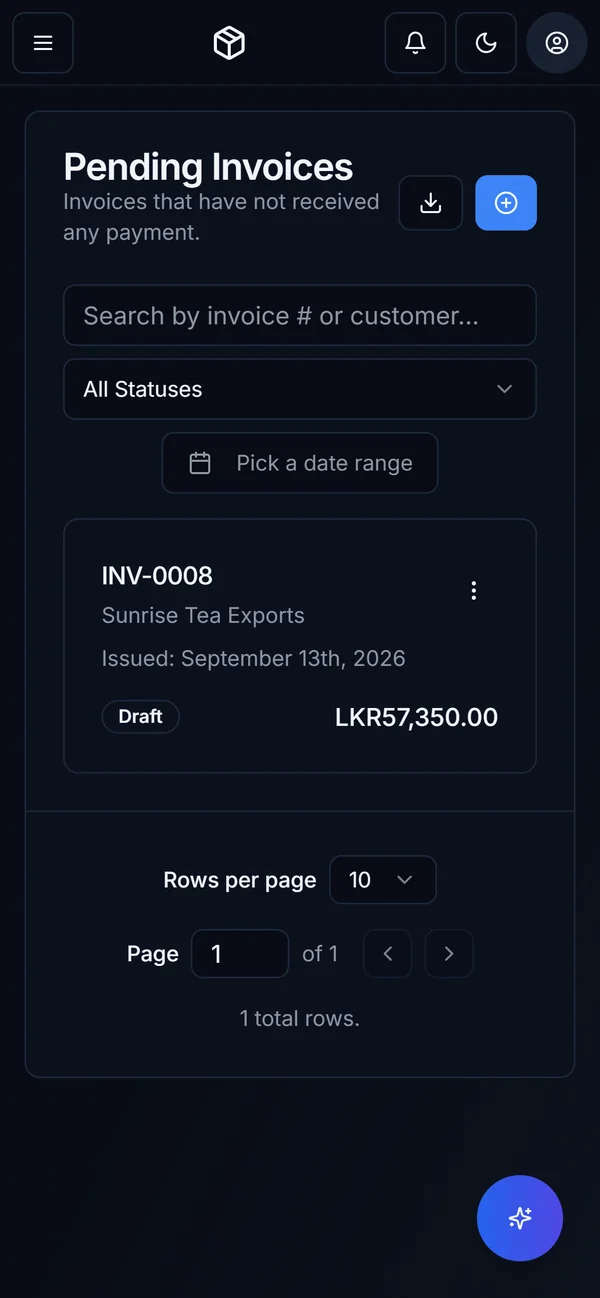
The problem is the handover between spreadsheets.
Spreadsheets are useful for analysis, planning and small, contained tasks. The strain appears when they become the place an entire operation must coordinate: stock in one file, orders in another, customer updates in messages and the real answer in someone’s head.
For a growing business, the reason to change should be practical. Perhaps two people promise the same stock, an order waits because a file has not been updated, or only the owner can reconcile the numbers. A business system should give those connected activities a shared record, with clear responsibility for what happens next.
- Different files regularly disagree about the same order, item or customer.
- People re-enter the same details at several stages of a job.
- Routine answers depend on one person being available.
- Mistakes are found late because changes are difficult to trace.
- Adding staff or another location adds more reconciliation work.
If those problems are occasional, better templates and clearer ownership may be enough. If they interrupt the working day repeatedly, it is worth planning a system around the workflow.
Sales sheet ↗ Team message ↗ Stock file ↗ Invoice copy
Each handover needs someone to reconcile the details.- 01ConfirmCapture the agreed order.
- 02ReserveHold the available stock.
- 03PrepareShow what can be fulfilled.
- 04InvoiceCarry the agreed details through.
Only part of the order is in stock. Who decides what ships now, and where does the remaining quantity live?
1. Map one complete piece of work.
Choose a workflow with a clear beginning and end. “Customer order to delivery” is useful. “Fix administration” is too broad. Sit with the people involved and follow a recent example through every file, message and approval.
For each step, record what starts it, who acts, what they need to know and what proves the step is complete. Capture exceptions too: out-of-stock items, partial deliveries, returns and changes after approval. These are part of the operation, not details to discover just before launch.
A simple example to adapt
Trigger: a customer accepts a quotation.
Today: sales sends a message, the warehouse checks a sheet, and the office copies the total into an invoice.
Needed: one confirmed order reserves stock, shows the warehouse what to prepare and carries the agreed details into the invoice.
Exception: only part of the order is available, so the customer and team need a clear record of what will follow later.
That description is a useful starting brief for inventory and order management. It is much easier to assess than a long list of features with no connection to the work.
2. Decide which records deserve to come with you.
Moving every spreadsheet unchanged can move the same confusion into a new system. List your data sources and appoint someone who understands each one. Agree the source of truth where records conflict.
- Customers and suppliers: remove duplicates, check names and identify active accounts.
- Products and stock: agree item codes, units and locations, then reconcile the opening quantities.
- Open work: identify outstanding orders, unfinished jobs, returns and amounts needing review.
- History: decide what must be searchable in the new system and what can remain in a secure archive.
Keep an untouched copy of the original files. Import a small sample first and check the result with the people who use it. Confirm that quantities, dates and relationships between records survived the move. A successful import message does not prove the records are correct.
Use anonymised sample records when discussing the project with potential suppliers. Before moving live information, agree who can access it, where it will be held and how it will be protected.
3. Test a smaller operation before a bigger rollout.
A pilot needs a defined team, workflow and set of records. You could start with one branch, one order type or a selected group of jobs. Choose a slice that is small enough to review but includes realistic exceptions.
Write down the acceptance checks before anyone uses it. For an order workflow, they could include matching opening stock, recording a partial delivery, correcting an error, limiting who can approve a change and finding an order from a phone.
Parallel running can help compare results, but it needs rules. Agree which system is authoritative and who reconciles the two. Without that, staff may update different places and create new disagreements. Put a clear end condition on the pilot so temporary double entry does not become permanent.
Our HascoMax case study describes a build followed by a six-month pilot beside the real operation. That is one client’s timeline; your pilot should be based on the work and risks you need to test.
4. Give the team a clear plan for the switch.
The rollout is a change to people’s working day. Give each role practice with its own tasks, agree who will answer questions and keep a short record of common problems. Name a business owner for decisions and a day-to-day contact who knows the process.
- Before the switch: agree the cut-off time, back up the old records and resolve outstanding differences.
- At the switch: move the final changes, check key totals and confirm who can use the new system.
- During the first days: review important transactions, gather issues and make support easy to reach.
- If a critical issue appears: follow an agreed fallback plan that says where new work is recorded and how it will be reconciled.
Once the new process is established, make retired operational spreadsheets read-only where appropriate. Keep analytical spreadsheets if they still serve a purpose. The aim is a clear source for live work, not a ban on a useful tool.
5. Check whether the working day actually improved.
Take a baseline before the pilot. Choose a few measures your team can collect reliably: time from an accepted quote to an order, orders needing correction, time spent reconciling stock, or routine questions that still need the owner.
Compare like-for-like periods and ask staff what still takes unnecessary effort. A dashboard is useful only if it helps the team act. Fix the largest remaining friction before expanding into another workflow.
If you are still deciding what kind of system to buy, read custom software vs off-the-shelf. If you know which process needs attention, explore business process automation or bring us the workflow you want to improve.
Keep this useful. Take one real workflow into your next software conversation.
Download the rollout checklist