
Business automation
Less chasing. More doing.
Give the repeat work to your system. Keep the important calls with your people.
See it in motion
Ask. Prepare. You approve.
Try the three steps. See where your judgement stays.
Automation with reviewReal product screens
Step 01
Ask the system to find the records.
A built-in assistant can work with the information and permissions already inside the system.
Actual HascoMax assistant screenHX3 assistant
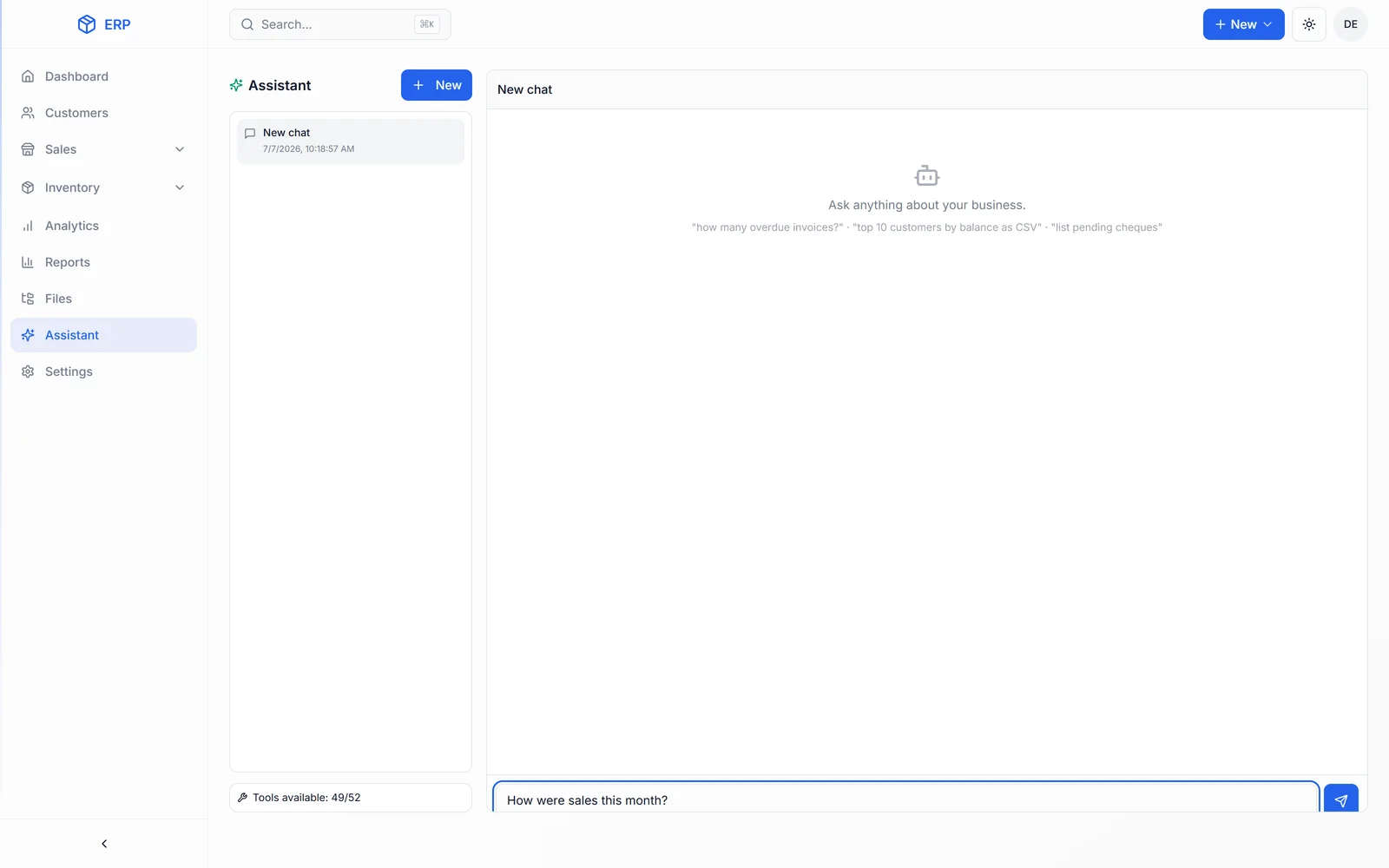
Works inside the business system
Actual software / HascoMax
Useful beyond the demo.
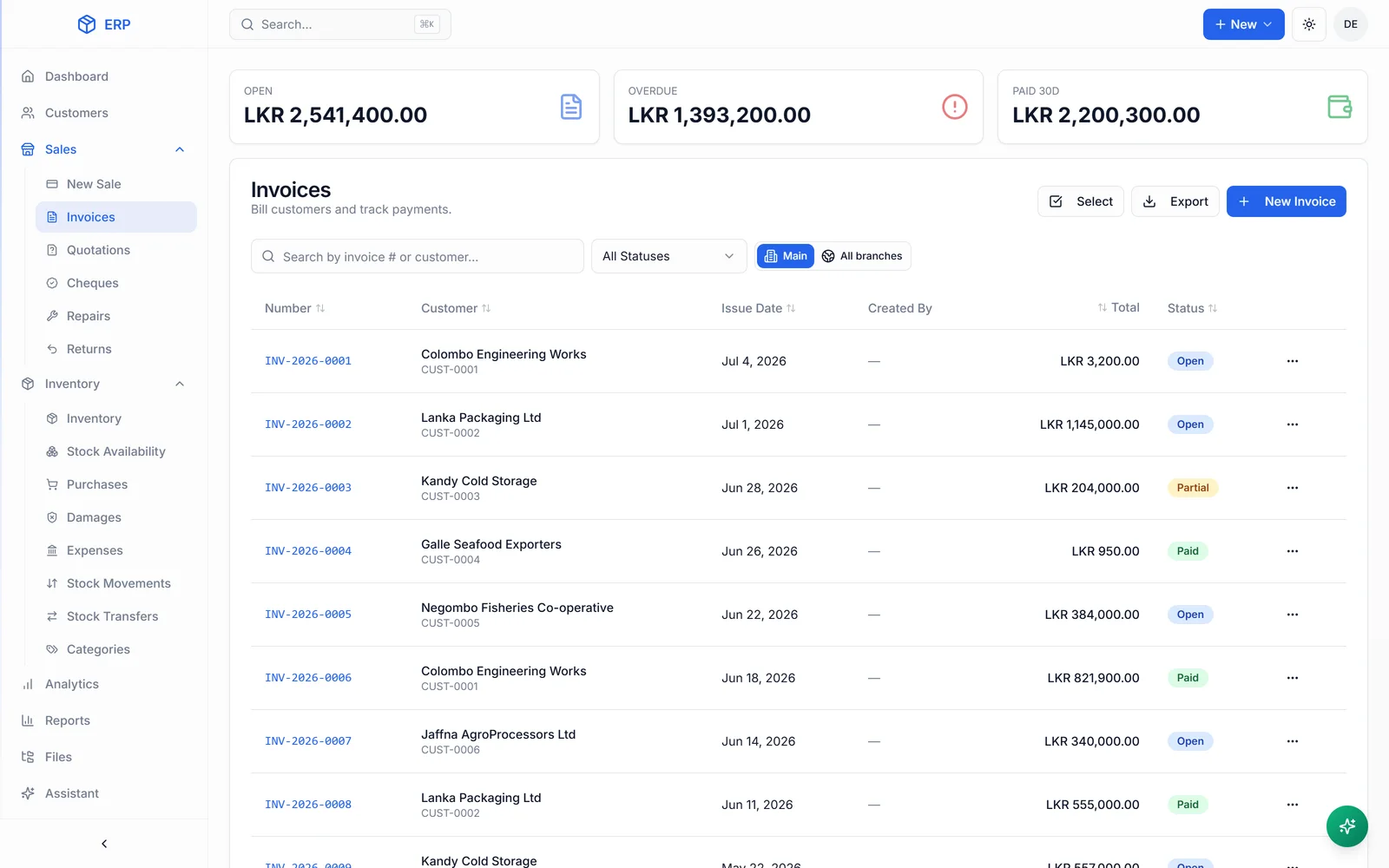
Before we start
A few things worth knowing.
Does every task need AI?
No. Predictable work may only need a simple rule. We use an assistant where questions and requests in ordinary language are useful.
Can we approve work before it goes out?
Yes. We build review points into the workflow. Draft reminders, for example, can wait for a person to approve them.
What can the assistant access?
It works within the access of the person using it. Roles and permitted actions are agreed as part of the build.
FREE 30-MINUTE SYSTEMS REVIEW
Bring the workflow. We’ll help map the next step.
Get a free systems review