
For service & repair teams worldwide
Less job chasing. More jobs moving.
Keep the customer, the work and the parts together. Give every repair a visible next step.
Repair to collection
- 01Record the issue
- 02Complete the repair
- 03Update the customer
Real software views
Keep every repair attached to the customer.
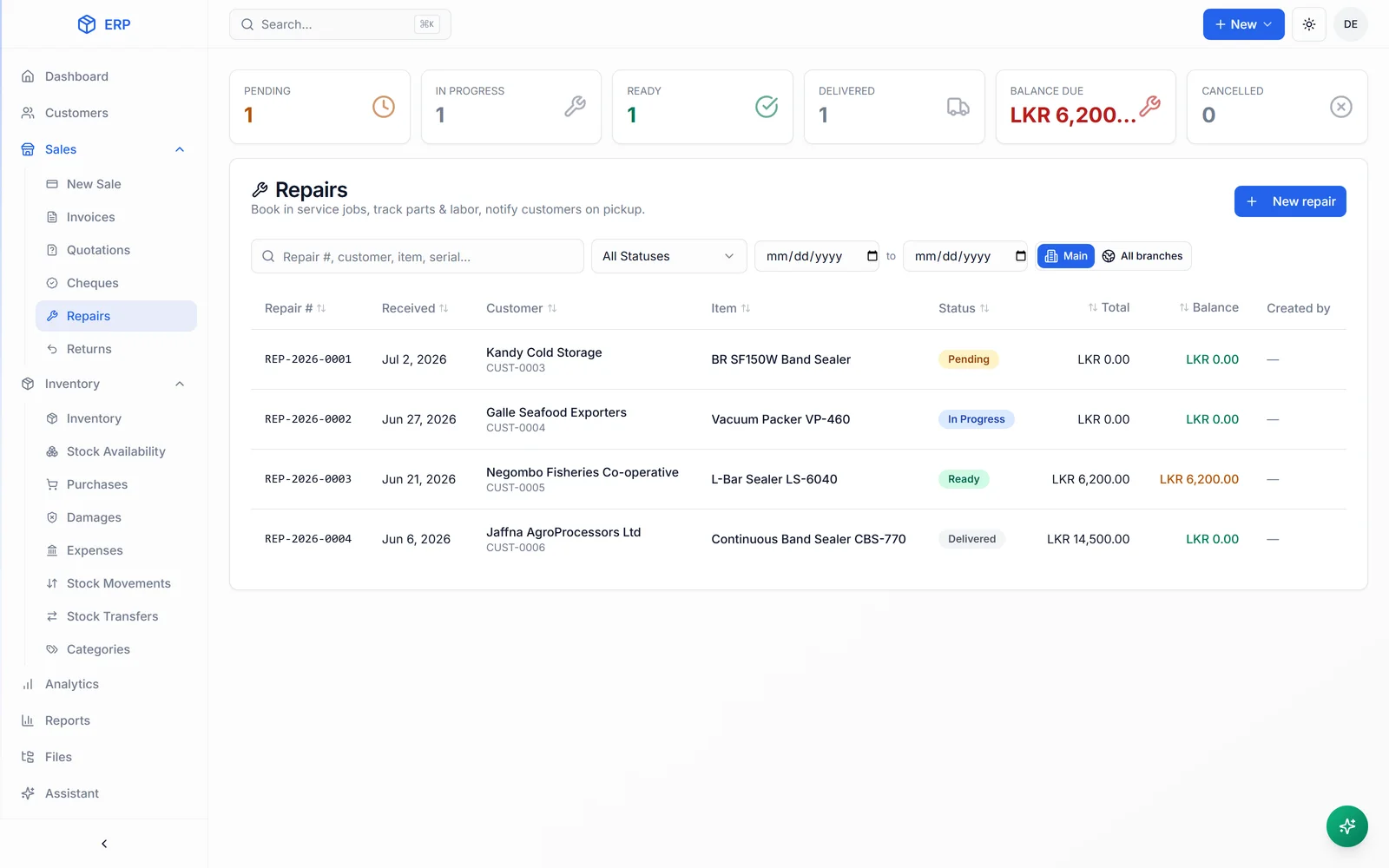
Give the job a proper record.
The customer, item and reported issue arrive together.
Client system · Machinery sales and repairs
The repair stays with the record.
HascoMax’s system connects repair tracking, damage records, parts and customer history to the wider operation. Real experience bringing service work into one place.
See the repairs within HascoMaxBefore we build
A few fair questions.
Can we use our own job stages?
Yes. Your statuses, responsibilities and approval steps shape the system. The illustration shows connected work, not a process your team has to copy.
Will it work away from the desk?
We plan the phone experience around what the team needs to see and update. Connectivity or specialist device needs are checked during scoping.
What about people who prefer paper?
We involve them in the pilot and make the essential tasks easy to complete. Hands-on onboarding helps the new system become part of the working day.
What could this look like in your operation?
See what is waiting and why
Keep each job, its status and the person responsible in one record. Agree clear reasons for work being on hold so a missing part or customer decision is visible. You spend less time reconstructing the queue from conversations.
Bring parts and repair history together
Connect the item being repaired with the parts, work and customer history involved. When a customer returns, the team can find the previous record and understand the situation before starting another conversation from scratch.
Finish the customer journey as well as the repair
Build the steps around quotes, approvals, invoices and updates into the same workflow. Routine reminders can help staff follow through while people keep responsibility for explaining the work and handling the customer's questions.
Follow a job from the first call to collection.
We look at a recent job with the people who handled it. We identify the information that arrived, the hand-offs, the delays and how the customer was kept informed. Your pilot then tests those steps in real work, including the cases that do not follow the usual path.
- Where jobs and their current status are recorded
- How you know a part or approval is holding up work
- Who follows up when a job is ready
FREE 30-MINUTE SYSTEMS REVIEW
A free 30-minute systems review. Bring the problem. We will help you find the starting point.
Review your job and repair process